
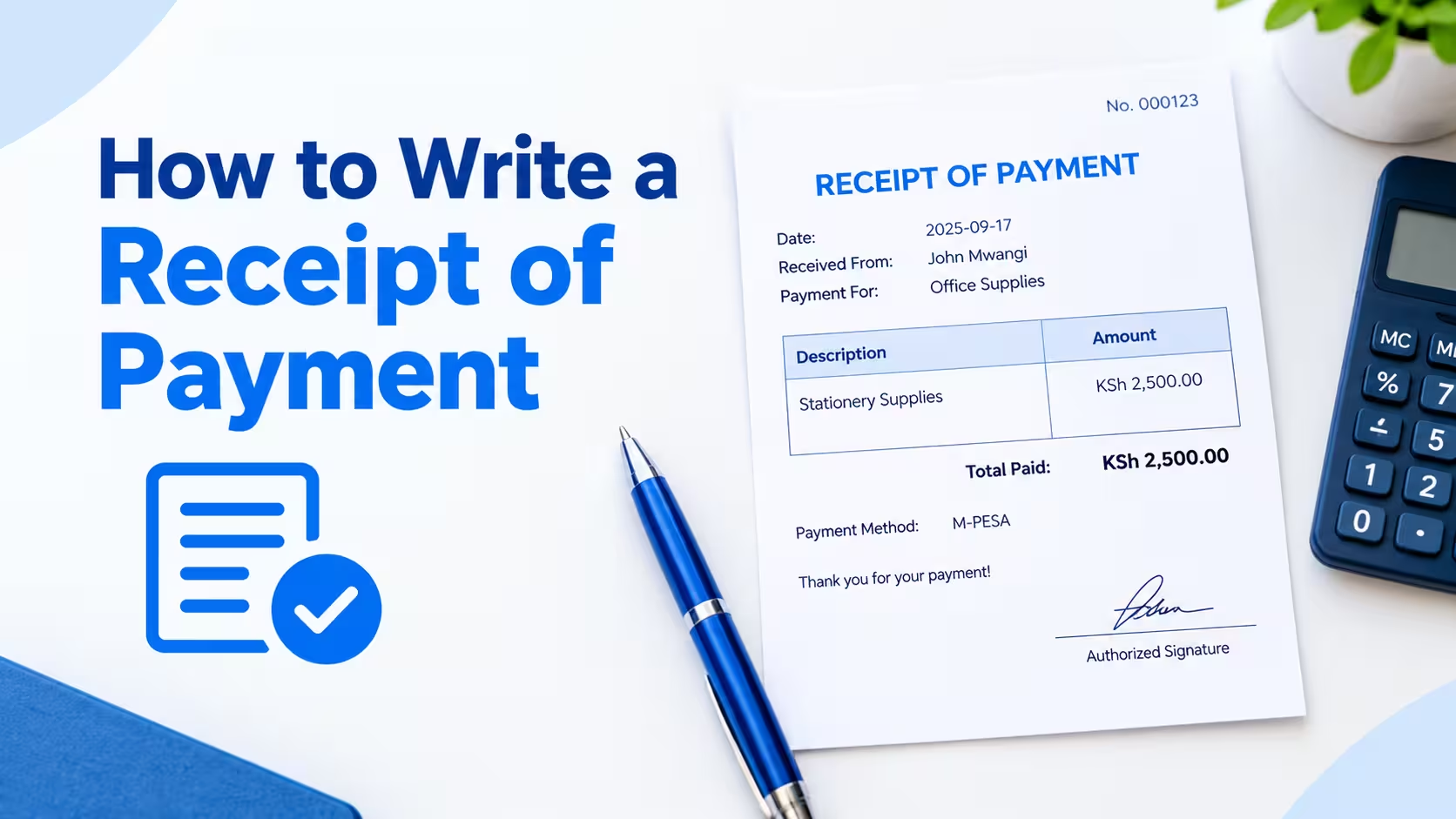
A receipt of payment is a written or digital record confirming that a buyer paid a seller for goods or services. To write one, include the date, payer and payee names, amount paid, payment method, and a description of what was purchased — then give a signed or generated copy to the customer.
Below is everything you need to create a receipt that holds up for accounting, taxes, and customer service — plus a free tool that builds one for you in seconds.
What to Include in a Receipt of Payment
- Business name and contact information — legal name, address, phone number, and email
- Receipt number — a unique identifier for tracking and referencing later
- Date of transaction — the exact date payment was received
- Customer name (and business name, if applicable)
- Itemized list of goods or services — description, quantity, and unit price
- Subtotal, tax, discounts, and total amount paid
- Payment method — cash, card, check, bank transfer, or digital wallet
- Amount tendered and change given (for cash transactions)
- Signature or authorized stamp, where required
Skipping any of these fields is the most common reason receipts get rejected by accountants, auditors, or expense reimbursement systems.
How to Write a Receipt of Payment (Step-by-Step)
1. Start with your business details.
Place your business name, logo, address, and contact information at the top. This identifies the receipt’s origin and adds legitimacy.
2. Assign a receipt number.
Use a sequential or date-based numbering system (e.g., RCPT-2026-0091). This makes it easy to track and reference in your bookkeeping software.
3. Record the date of payment.
Write the exact date the payment was received, not the date the service was rendered, if the two differ.
4. List the customer’s information
Include the payer’s name and, if relevant, their business name or account number.
5. Itemize what was purchased
Break down each product or service with its quantity, unit price, and line total. Avoid vague entries like “services rendered” — specificity protects both parties if a dispute arises.
6. Add the payment method and amount
State exactly how the customer paid (credit card, cash, check, ACH, etc.) and the total amount received. If paid in cash, note the amount tendered and any change returned.
7. Calculate the total, including tax
Show the subtotal, any applicable sales tax, discounts, and the final total clearly.
8. Sign or stamp the document
A signature — physical or digital — confirms the receipt is authorized and final.
9. Deliver the receipt
Hand it over in person, email a PDF, or generate one instantly with a receipt tool.
What’s the easiest way to create a receipt of payment?
Using a dedicated receipt generator is the fastest option since it auto-formats the required fields and calculates totals for you. Receipt Generator Pro creates professional receipts in seconds — just fill in the transaction details and download or email the finished document.