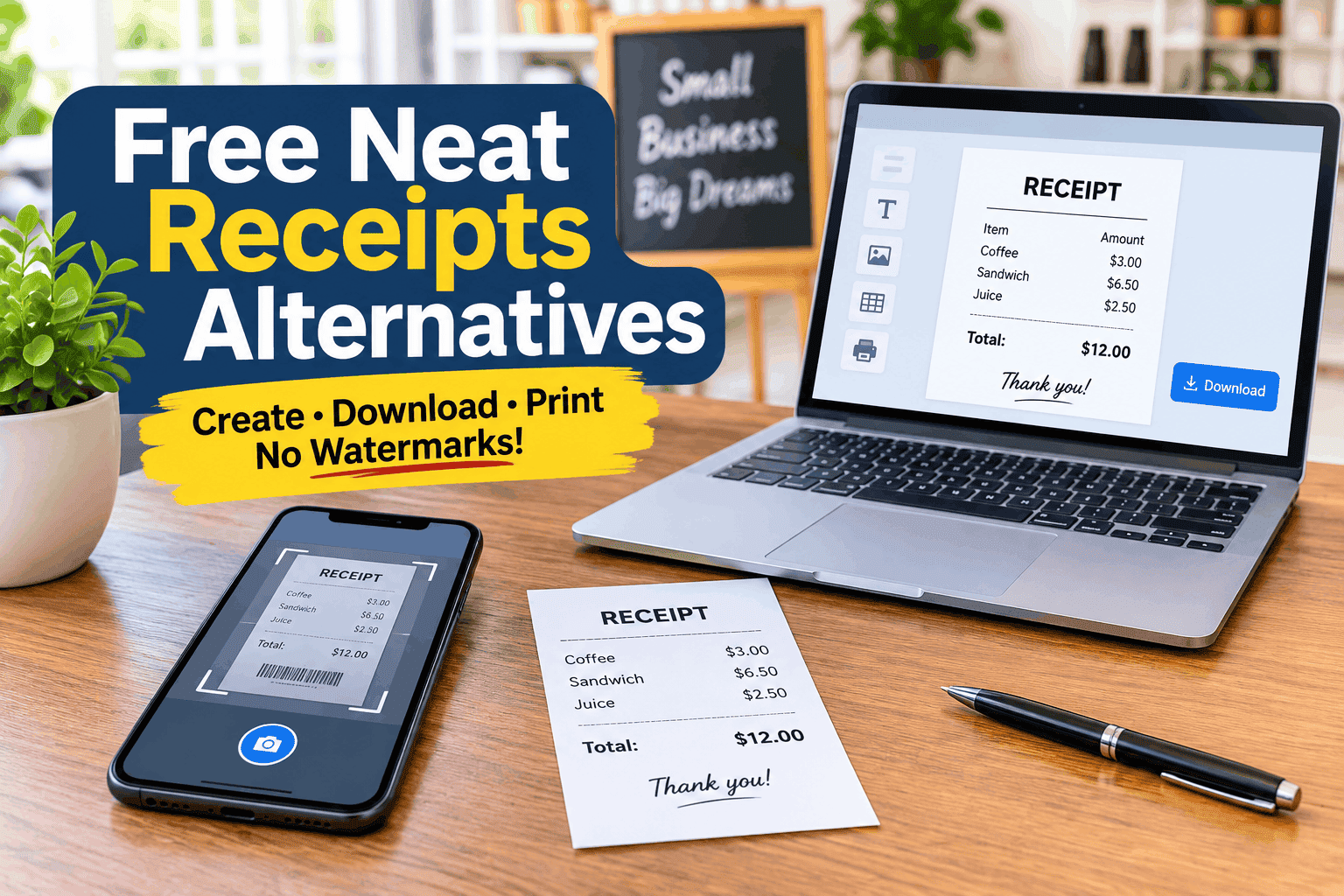
A neat receipts alternative free option can help you scan paper receipts, organize business expenses, or create digital receipts without paying for expensive software. The best alternatives include Google Drive, Adobe Scan, OneDrive, Smart Receipts, and Receipt Generator Pro, depending on whether you need receipt scanning or receipt creation.
Neat Receipts was originally known for its portable receipt scanners and document management software. However, Neat exited the scanner manufacturing business in July 2017 and shifted its focus toward cloud-based document management and expense software.
If you are looking for a replacement, you do not necessarily need another expensive scanner. Several free tools can handle everyday receipt management using your smartphone or computer.
Quick Comparison: Free Neat Receipts Alternatives
| Alternative | Best for | Free features |
|---|---|---|
| Receipt Generator Pro | Creating receipts | No signup, no forced watermark |
| Google Drive | Scanning receipts | Scan and save searchable PDFs |
| Adobe Scan | Document scanning | Free basic scanning |
| OneDrive | Scanning and storing | Mobile scanning and PDF saving |
| Smart Receipts | Expense tracking | Manual entry and basic reports |
1. Receipt Generator Pro – Best for Creating Receipts Without Watermarks
Editor’s pick for receipt creation
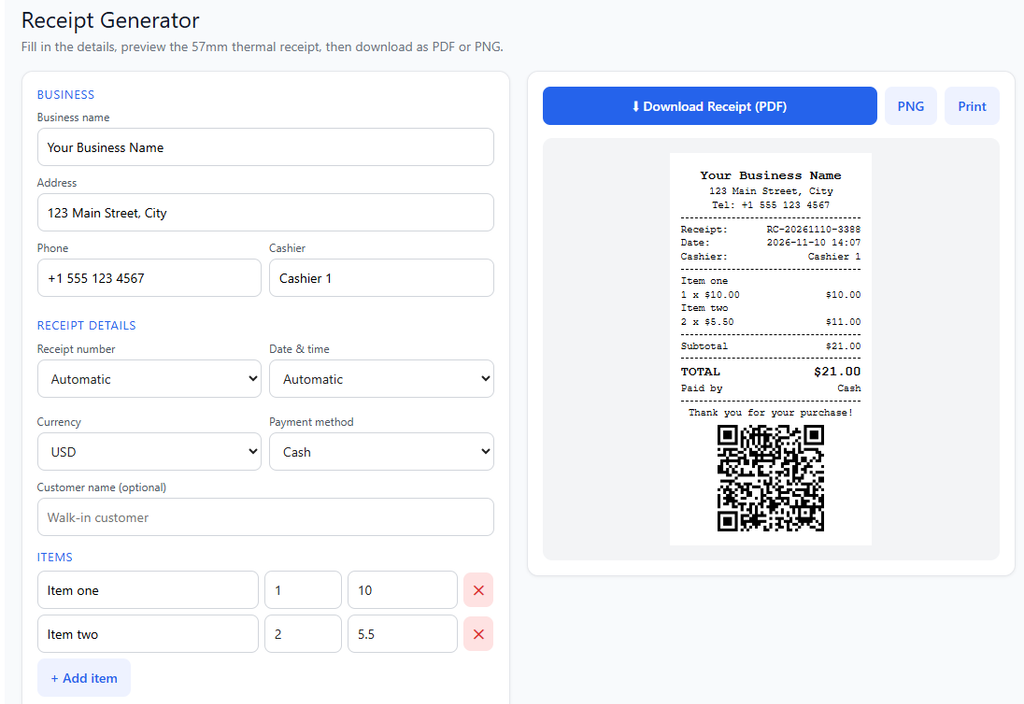
Receipt Generator Pro is a useful free alternative if your main goal is creating, customizing, and downloading professional receipts.
Unlike receipt generators that place branding or forced watermarks on free downloads, Receipt Generator Pro allows users to create receipts without forced watermarks. You also do not need to register an account or provide an email address before using the tool.
Key features include:
- No signup or registration required.
- No forced watermarks on generated receipts.
- PDF and PNG downloads.
- Direct printing.
- Custom business information.
- Receipt numbers and transaction dates.
- Customizable product and service descriptions.
- Tax and discount calculations.
- Payment method selection.
- Thermal receipt formatting.
Another advantage is its collection of specialized receipt generators. Users can create restaurant, sales, cash, taxi, hotel, medical, car repair, and other business receipts.
What makes it a good alternative?
Receipt Generator Pro is particularly useful for freelancers, small business owners, shop operators, and service providers who need to prepare receipts for genuine transactions without purchasing receipt software.
Its main limitation is that it does not replace Neat’s automatic receipt scanning and OCR capabilities. It creates receipts rather than extracting transaction information from existing receipt photographs.
Verdict: If you want a free receipt generator with no forced watermark and no signup, Receipt Generator Pro is an excellent option to consider.
2. Google Drive – Best for Scanning Paper Receipts
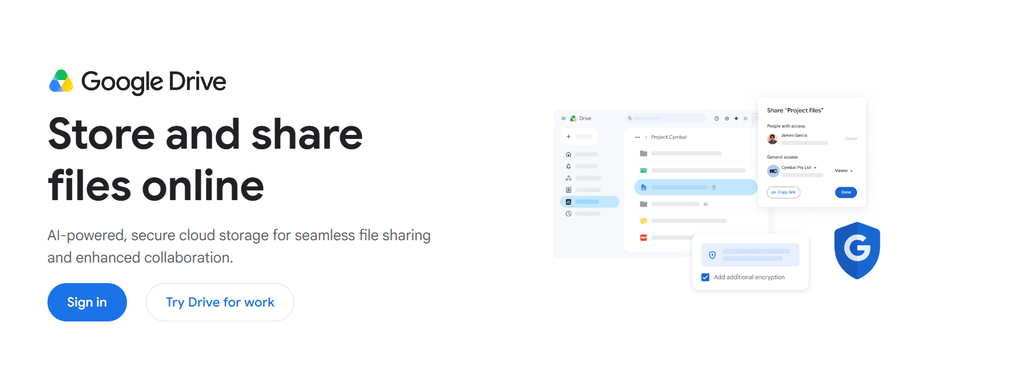
Google Drive is a convenient option for people who want to digitize paper receipts without purchasing a dedicated scanner.
Its mobile application includes a document-scanning feature that allows users to capture paper documents and save them as searchable PDF files. Google Drive Help
Key features:
- Scan paper receipts using a smartphone.
- Save scanned documents as PDFs.
- Organize receipts in folders.
- Access saved documents across supported devices.
- Search and retrieve stored records.
Advantages
Google Drive is convenient for people who already use Google services. You can scan receipts immediately and organize them alongside other business documents.
Limitations
It is primarily a document storage and scanning solution rather than a complete expense management system. You may need a spreadsheet or accounting application to organize transaction amounts and business expenses.
Verdict: Google Drive is a good free starting point for replacing the basic scanning function of Neat Receipts.
3. Adobe Scan – Best for Improving Receipt Images
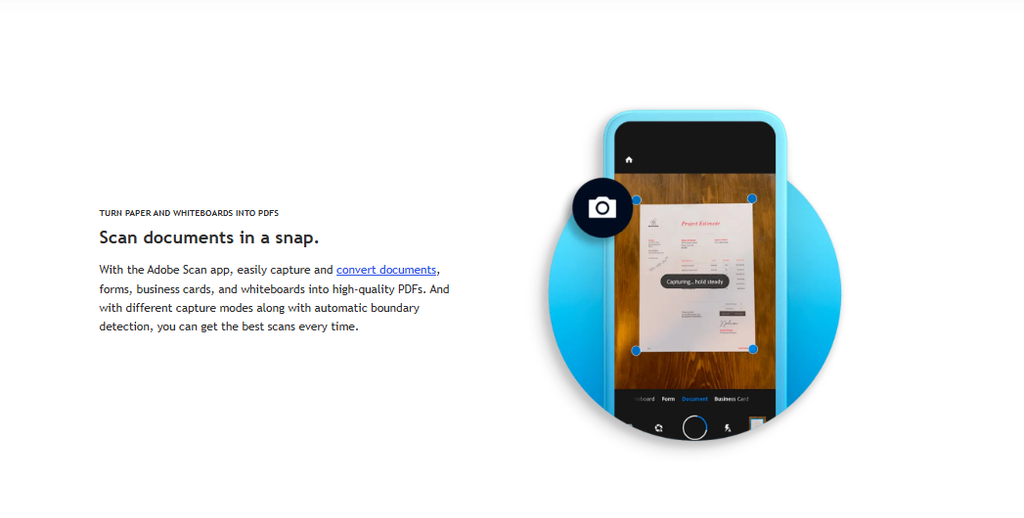
Adobe Scan is another option for people who regularly handle paper receipts and other documents.
The application allows users to capture documents using a smartphone camera and convert them into digital files.
Key features:
- Mobile document scanning.
- Receipt image capture.
- Document cleanup.
- PDF creation.
- Text recognition features.
Advantages
Adobe Scan is useful when dealing with receipts that are slightly tilted, poorly positioned, or difficult to read. Its scanning tools help produce cleaner digital copies.
Limitations
Not every feature is free. Adobe lists advanced OCR limits, file editing, combining files, and other capabilities among its Premium features. Adobe Scan for iOS
Verdict: Adobe Scan is worth considering if your priority is capturing readable digital copies of paper receipts.
4. OneDrive – Best for Microsoft Users
Microsoft OneDrive offers mobile scanning capabilities that make it useful for people looking for an alternative to Neat Receipts.
Using the OneDrive mobile application, you can photograph a receipt, adjust the scanned image, and save it as a PDF.
Key features:
- Scan receipts using Android or iOS.
- Crop and rotate scanned documents.
- Adjust image filters.
- Save scanned receipts as PDFs.
- Store documents in cloud storage.
Microsoft provides instructions for scanning documents using its Android and iOS applications. Microsoft Support+1
Advantages
OneDrive is particularly useful if your business already uses Microsoft 365. It allows you to keep receipts alongside invoices, contracts, and other business records.
Limitations
Your scans are saved to OneDrive, so cloud storage availability and account requirements should be considered.
Verdict: OneDrive is a practical option for Microsoft users who need simple receipt digitization and document storage.
5. Smart Receipts – Best for Expense Tracking
Smart Receipts is designed to help individuals and businesses organize expenses and prepare expense reports.
Unlike a basic receipt scanner, it focuses on tracking expenses and organizing financial records.
Key features of its free plan include:
- Manual receipt entry.
- Expense categorization.
- Basic report customization.
- PDF, CSV, and ZIP report exports.
- Expense organization.
However, automatic receipt scanning and recognition are available under its paid Pro plan rather than the free plan. Smart Receipts+1
Advantages
Smart Receipts is useful for freelancers, employees, and business owners who want to organize expenses and prepare basic reports.
Limitations
The free version does not include automatic receipt recognition, which may be an important feature for people switching from Neat.
Verdict: Choose Smart Receipts if you want expense tracking and reporting rather than just scanning paper receipts.
Which Free Neat Receipts Alternative Should You Choose?
The best alternative depends on what you want to accomplish.
| Your requirement | Recommended tool |
|---|---|
| Create receipts without forced watermarks | Receipt Generator Pro |
| Create receipts without signing up | Receipt Generator Pro |
| Scan paper receipts into PDFs | Google Drive |
| Improve receipt photographs | Adobe Scan |
| Store receipts in Microsoft cloud storage | OneDrive |
| Organize expenses and generate reports | Smart Receipts |
If you mainly need a replacement for the original Neat scanner, start with Google Drive, Adobe Scan, or OneDrive.
If you need to generate receipts for your business, Receipt Generator Pro is a more suitable choice.
Final Verdict
Finding a free Neat Receipts alternative does not have to mean purchasing another scanner or subscribing to expensive software.
Google Drive, Adobe Scan, and OneDrive are useful options for digitizing paper receipts, while Smart Receipts offers additional expense organization and reporting features.
However, if you need to create professional receipts without paying for software, Receipt Generator Pro is worth considering. It offers a straightforward receipt creation experience with no signup requirement and no forced watermarks.
You can enter your business details, customize transaction information, and download your receipt as a PDF or PNG.
Try Receipt Generator Pro for free.
Frequently Asked Questions
Is there a completely free alternative to Neat Receipts?
Yes. Google Drive, Adobe Scan, and OneDrive offer free document-scanning capabilities. Smart Receipts also has a free plan for manual expense tracking and basic reports.
What is the best free Neat Receipts alternative?
Google Drive is a convenient starting point for scanning and saving paper receipts. Receipt Generator Pro is a better choice if you want to create receipts without forced watermarks or signing up.
Can I use Receipt Generator Pro instead of Neat Receipts?
Yes, if your main requirement is creating receipts. However, Receipt Generator Pro does not replace Neat’s automatic receipt scanning and OCR functions.