
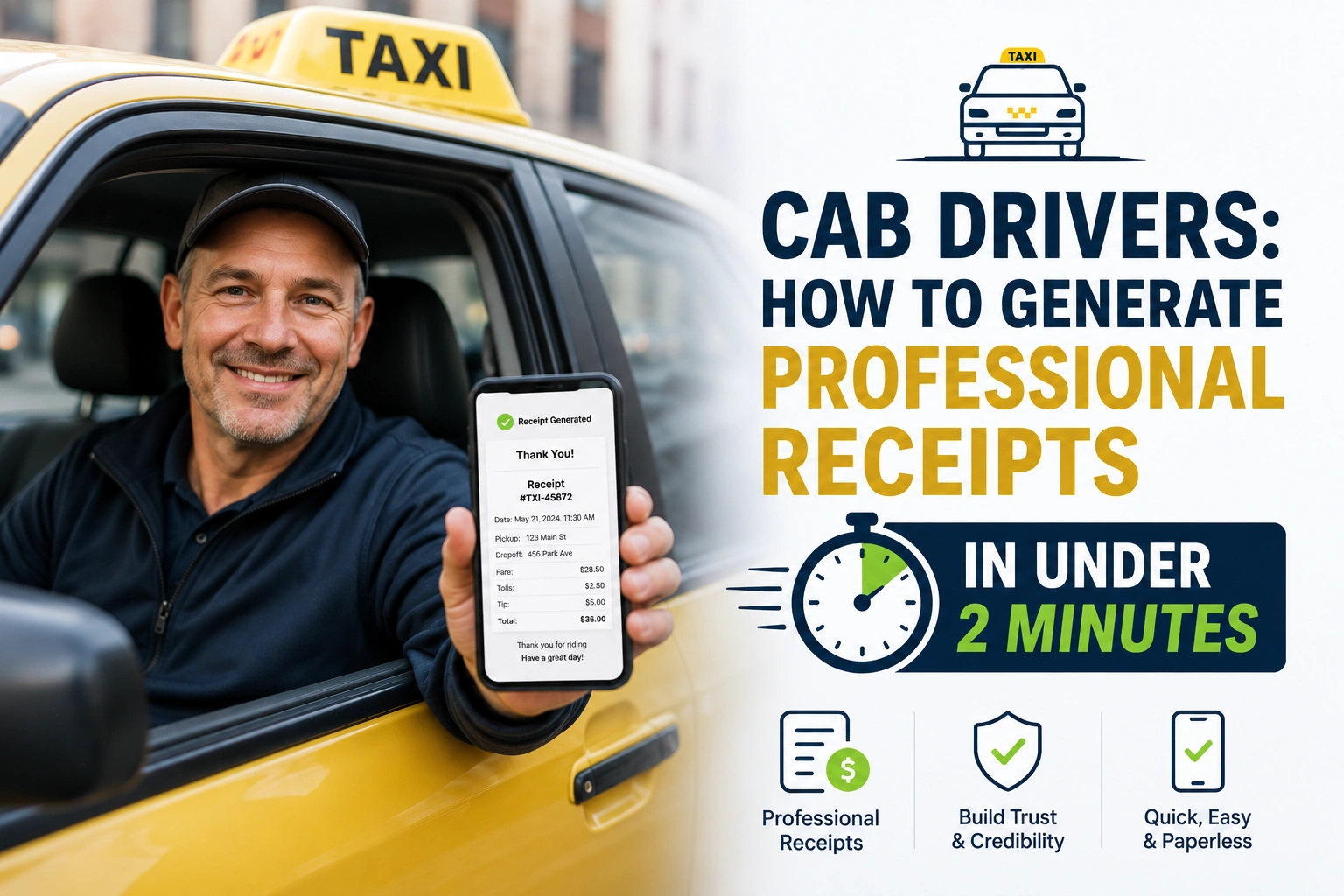
To generate a professional taxi receipt in under two minutes, open Taxi Receipt Generator tool on your smartphone, enter the trip details (fare, distance, and locations), and instantly generate a digital PDF to text or email directly to your passenger.
Let’s face it: when you’re navigating heavy traffic, dealing with back-to-back rides, and trying to maximize your hourly earnings, the last thing you want to do is fumble with a broken thermal printer or manually write out a messy paper receipt.
Yet, providing a clean, professional receipt is one of the easiest ways to stand out, secure better tips, and help business travelers easily claim their expenses.
If you are still relying on handwritten carbon-copy books or clunky receipt machines, it’s time to upgrade. Here is exactly how to generate professional, compliant receipts in under 120 seconds, keeping your passengers happy and your bookkeeping spotless.
The 3-Step “Under 2 Minutes” Receipt Method
You don’t need expensive software or a laptop in your passenger seat. You just need your smartphone and a streamlined process.
Step 1: Open Your Digital Receipt Tool (10 Seconds)
Instead of keeping blank paper forms in your glovebox, keep a bookmark to a reliable digital tool on your phone’s home screen. When the ride ends and the passenger asks for a receipt, simply open your professional taxi receipt generator in your mobile browser.
Step 2: Enter the Trip Details (45 Seconds)
Input the specifics of the ride. A good digital tool will only ask for the essentials:
- Date and Time: Auto-filled by the tool based on your phone’s clock.
- Pickup and Drop-off Locations: Enter the cross streets or general areas.
- Fare Breakdown: Base fare, distance, tolls, and the final total.
- Payment Method: Cash, card, or digital wallet.
Step 3: Generate and Send (30 Seconds)
Hit “Generate.” The tool instantly creates a clean, branded PDF receipt. You can now:
- Text it: Send the PDF link directly to the passenger’s phone number.
- Email it: Type in their email address for corporate expense reports.
- Print it: If you have a small Bluetooth thermal printer in your cab, hit print.
The Anatomy of a Perfect Taxi Receipt
Not all receipts are created equal. If a passenger is submitting your receipt to their employer for reimbursement, or to the IRS/tax authorities for a deduction, it needs to contain specific information to be considered valid
Ensure your digital receipts always include these 6 critical elements:
- Your Business Information: Your taxi company name, your name (if independent), phone number, and website (if applicable) www.wordlayouts.com.
- Date and Time: The exact date the ride took place, and the time the trip started or ended www.quora.com.
- Trip Details: Clear pickup and drop-off locations. If you are charging for distance, include the starting and ending mileage apptaxi.it.
- Fare Breakdown: A clear line-item breakdown showing the base fare, any extra charges (like airport tolls or waiting time), and the final total amount paid.
- Driver/Cab Identification: Your driver’s license number, medallion number, or specific cab number www.quora.com. This builds immense trust and is legally required in many cities www.legisquebec.gouv.qc.ca.
- Payment Method: Clearly state whether the fare was paid via Cash, Credit Card, or App.
Why Digital Receipts Beat Paper for Cab Drivers
Transitioning from paper to digital isn’t just about looking fancy; it solves real-world problems for drivers:
- Never Run Out of Paper: Thermal receipt paper jams, fades in the sun, and runs out at the worst possible times. Digital receipts are infinite.
- Fewer Disputes: A digitally generated PDF looks official and is much harder for a passenger to dispute compared to a hastily scribbled note.
- Eco-Friendly: Passengers increasingly appreciate drivers who skip the unnecessary paper waste.
- Instant Record Keeping: Most digital generators automatically save a copy of every receipt you create. At the end of the year, your tax documentation is already organized for you.
Frequently Asked Questions
Do taxi drivers legally have to provide receipts?
In most major cities and jurisdictions, licensed taxi operators are legally obliged to provide a receipt to a passenger upon request
Even if it’s not strictly mandated by local law, corporate passengers will absolutely require one to get reimbursed for their travel expenses.
Can I text or WhatsApp a receipt to a passenger?
Yes! In fact, this is the preferred method for modern passengers. Generating a PDF and sending it via SMS or WhatsApp is faster than asking for their email address and ensures they get the receipt before they even step out of the car.
What if I lose my internet connection?
Most modern web-based receipt generators cache your recent data and allow you to queue receipts. If you are in a dead zone, input the details, and the tool will generate and send the receipt the moment your phone reconnects to the network.
Can I add my company logo to a digital receipt?
Absolutely. Using a tool that allows customization lets you upload your cab company’s logo, choose your brand colors, and make the receipt look like it came from a premium corporate fleet, even if you are an independent owner-operator.
Final Thoughts
As a cab driver, your vehicle is your office, and your customer service is your product. Handing a passenger a crisp, professional receipt in seconds is a micro-interaction that leaves a massive lasting impression. It tells the passenger that you are organized, professional, and respect their time.
Stop wasting your earning time wrestling with paper rolls. Bookmark a professional taxi receipt generator on your phone today, master the 3-step process, and watch your tips—and your repeat customers—go up.