
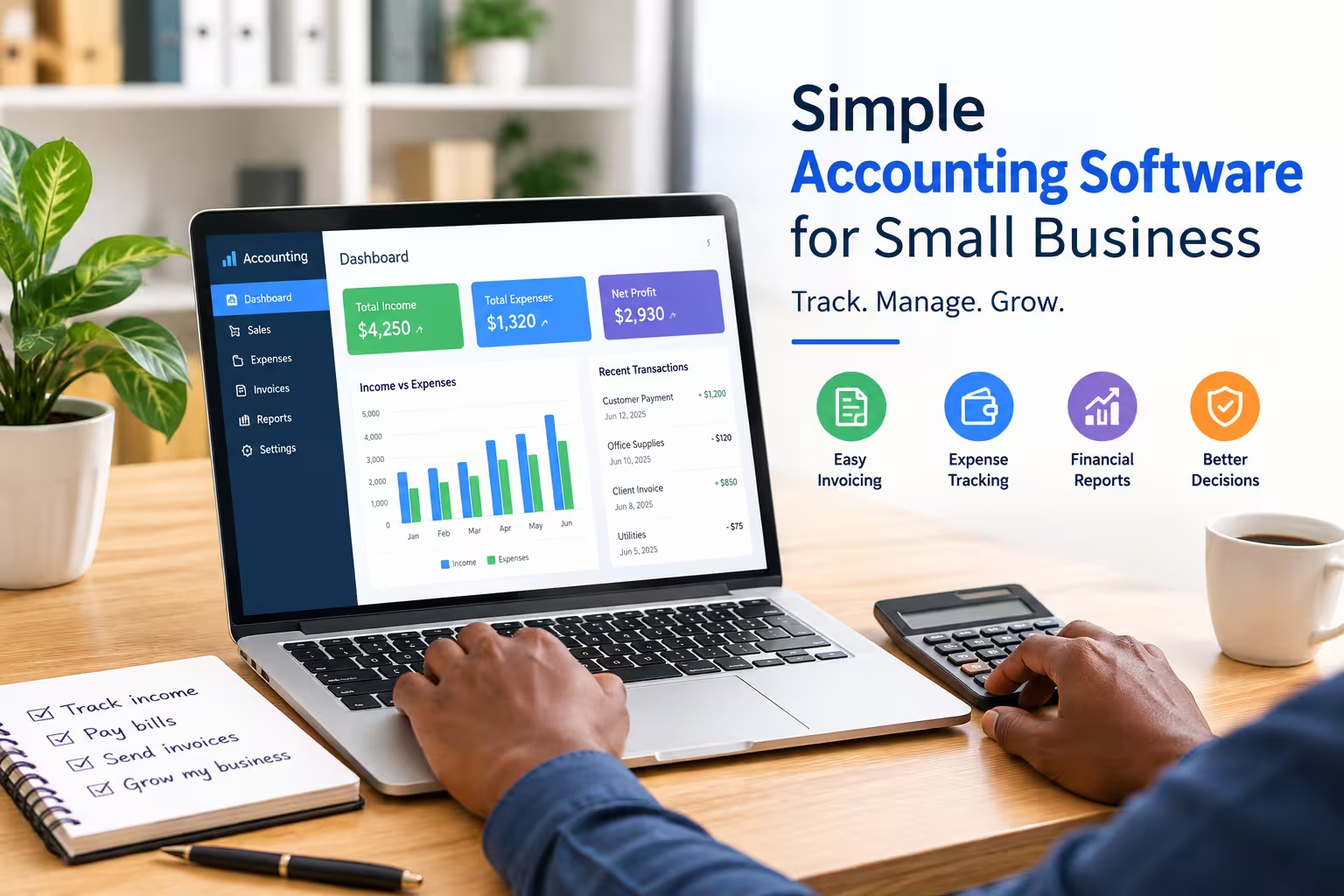
The best simple accounting software for small businesses is one that handles the basics — invoicing, expense tracking, and receipts — without forcing you to learn a full finance system. Tools like Receipt Generator Pro, Wave, and Zoho Books are popular picks because they focus on ease of use over complexity.
Running a small business means wearing a dozen hats. Bookkeeping usually isn’t the one you enjoy wearing most.
That’s exactly why simple accounting software exists. It strips away the confusing features built for large finance teams and leaves you with what actually matters: tracking money in, money out, and staying organized for tax season.
In this guide, we’ll walk through the top simple accounting tools for small businesses, freelancers, and solo entrepreneurs. Each one is chosen for ease of use, not just feature count.
What Makes Accounting Software “Simple”?
Not every accounting tool labeled “simple” actually is. Before comparing options, it helps to know what separates a genuinely easy tool from one that just looks easy in its marketing.
A truly simple accounting solution usually includes:
- A clean, uncluttered dashboard you can understand in minutes, not hours
- Quick invoice and receipt creation without a steep setup process
- Basic expense tracking that doesn’t require an accounting degree
- Minimal or no bank reconciliation headaches
- Affordable or free pricing for small teams and solo operators
With that in mind, here are the tools worth considering.
List of 10 Simple Accounting Software for Small Business
1. Receipt Generator Pro
For small businesses and freelancers who mainly need to create professional receipts and invoices without wading through a full accounting suite, Receipt Generator Pro is the simplest starting point.
Instead of forcing you to set up charts of accounts or learn double-entry bookkeeping, it focuses on the one task most small business owners actually need day to day: generating clean, accurate, professional receipts in minutes.
This makes it a great fit for freelancers, side-hustle sellers, contractors, and small shop owners who want organized records without a steep learning curve. It pairs well with a lightweight expense tracker or spreadsheet if you need more detailed bookkeeping down the road.
Best for: Freelancers, contractors, and small businesses that need fast, professional receipts without complex accounting features.
2. Wave
Wave is a long-standing favorite for very small businesses because its core accounting features are free to use. It covers invoicing, income and expense tracking, and basic reporting.
The interface is beginner-friendly, and there’s no steep onboarding process. Paid add-ons cover things like payroll and payment processing if your business grows.
Best for: Solo entrepreneurs and small businesses on a tight budget.
3. Zoho Books
Zoho Books offers a clean interface with just enough automation to save time, without overwhelming new users. It handles invoicing, expense tracking, and basic financial reports.
It also connects well with other Zoho products, which is convenient if you already use Zoho for email or CRM.
Best for: Small businesses that want room to scale into a larger software ecosystem later.
4. QuickBooks Simple Start
QuickBooks is a well-known name in accounting, and its Simple Start plan is designed specifically for small business owners who don’t need advanced features.
It covers invoicing, expense tracking, and basic tax preparation tools. The trade-off is a slightly steeper learning curve than some of the other tools on this list.
Best for: Business owners who may need to upgrade to more advanced accounting features later.
5. FreshBooks
FreshBooks is built with service-based businesses in mind, such as consultants, freelancers, and agencies. Invoicing and time tracking are especially easy to use.
The dashboard keeps things visual and approachable, which helps if numbers aren’t your strong suit.
Best for: Freelancers and service providers who bill clients by the hour or project.
6. Xero
Xero balances simplicity with more robust reporting than some competitors. It’s still approachable for beginners but offers room to grow as your bookkeeping needs become more complex.
Best for: Small businesses planning for growth within the next few years.
7. Sage Business Cloud Accounting
Sage offers a straightforward setup process and solid customer support, which can be valuable if you’re new to bookkeeping altogether.
Best for: New business owners who want extra guidance while learning the basics.
8. Kashoo
Kashoo is built around automation, aiming to reduce manual data entry as much as possible. This appeals to business owners who want accounting software to run quietly in the background.
Best for: Owners who want a hands-off, automated bookkeeping experience.
9. GnuCash
GnuCash is a free, open-source option for business owners who are comfortable with a more manual approach and want full control over their financial data.
Best for: Budget-conscious owners who don’t mind a steeper learning curve in exchange for zero cost.
10. Excel or Google Sheets Templates
For very small operations, a well-built spreadsheet template can still work. It won’t scale well, but it costs nothing and offers complete flexibility.
Best for: Brand-new businesses testing the waters before committing to software.
How to Choose the Right Simple Accounting Tool
The right choice depends less on which tool has the most features and more on what your business actually needs today. A few questions can help narrow it down:
- Do you mainly need to send receipts and invoices, or full financial reporting?
- Is your budget close to zero, or can you afford a monthly subscription?
- Will you need payroll or tax filing features soon?
- How comfortable are you with learning new software?
If your main need is fast, professional receipts and invoices without extra complexity, starting with a focused tool like Receipt Generator Pro often makes more sense than committing to a full accounting platform you’ll only use a fraction of.
Final Thoughts
Simple accounting software exists so small business owners can spend less time managing numbers and more time running their business. You don’t need every feature under the sun — you need the few that solve your actual daily problems.
Start with what you need right now, whether that’s clean receipts, basic expense tracking, or simple invoicing. You can always add more powerful tools as your business grows.
Create clean, professional invoices in seconds with this powerful Invoice Generator.
Frequently Asked Questions
What is the easiest accounting software for a small business?
Tools focused on a single core task, like receipt and invoice generation, tend to be the easiest to pick up. Receipt Generator Pro, Wave, and Zoho Books are commonly cited as beginner-friendly options.
Do I need accounting software if I’m a freelancer?
Not always, but it helps. Even simple tools for receipts and expense tracking make tax season significantly less stressful.
Is free accounting software good enough for a small business?
Free tools like Wave or GnuCash can absolutely handle basic bookkeeping needs. As your business grows, you may want to add paid features like payroll or advanced reporting.
What’s the difference between a receipt generator and full accounting software?
A receipt generator focuses on creating professional receipts and invoices quickly. Full accounting software adds features like bank reconciliation, payroll, and detailed financial reporting, which many small businesses don’t need right away.