
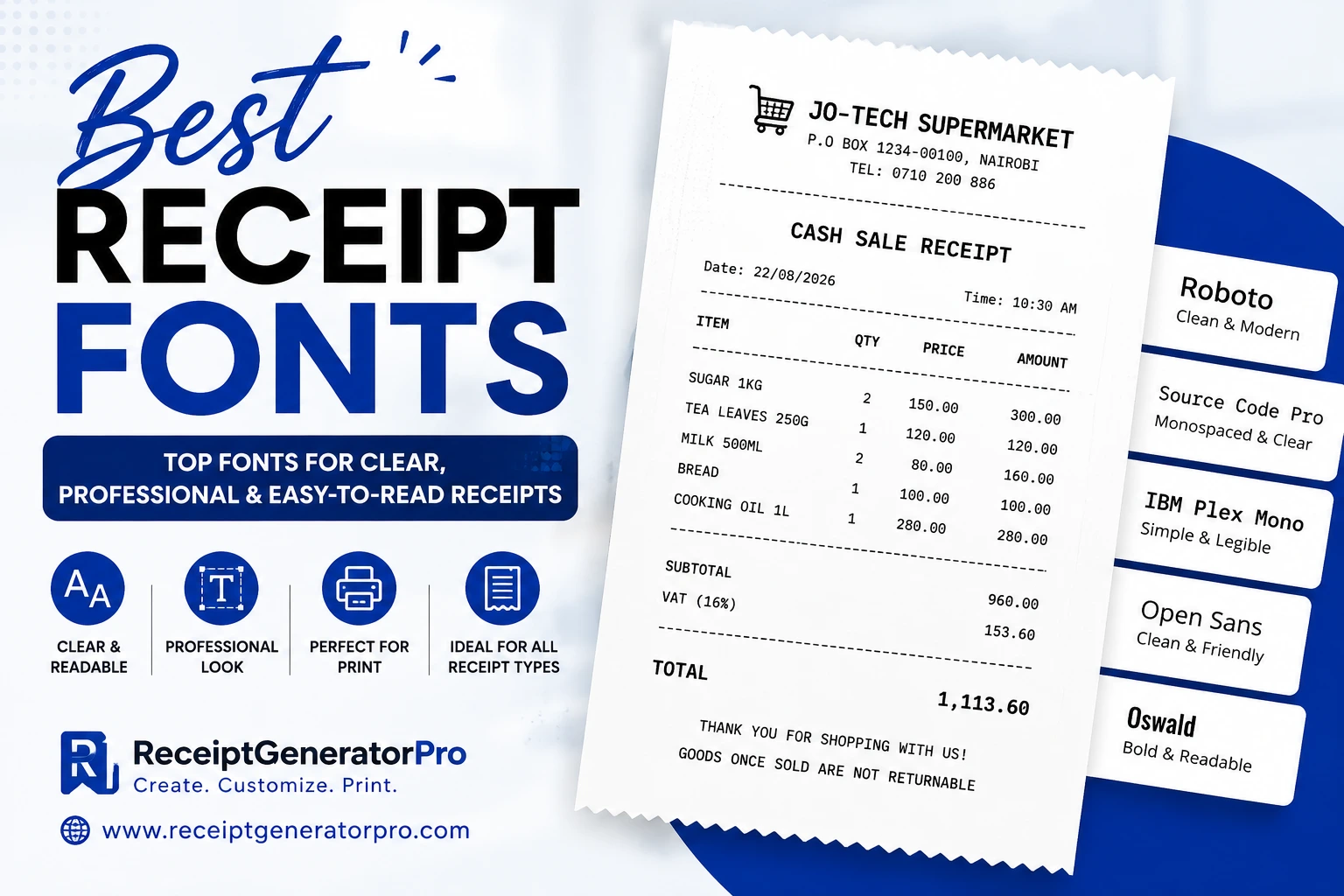
If you are creating receipts in Microsoft Word, choosing the right font can make a big difference. A good receipt font should be easy to read, align numbers correctly, and give your document a professional retail or POS appearance.
Whether you are designing a supermarket receipt, cash sale receipt, pharmacy receipt, restaurant receipt, invoice, or printable receipt template, monospaced fonts are often an excellent choice.
In this guide, we look at some of the best receipt fonts available for free download, how to install them on Windows, and which fonts work best for different receipt designs.
What is a Receipt Font?
A receipt font is a typeface commonly used when designing printed or digital receipts. Many receipt designs use monospaced fonts, where every character occupies approximately the same horizontal space.
Receipt Font Comparison
| Font | Style | Best For |
|---|---|---|
| OCR-B | Classic | Retail & POS receipts |
| OCR A Extended | Traditional | Supermarket receipts |
| Courier New | Typewriter | Word templates |
| Consolas | Modern | Digital receipts |
| Lucida Console | Clear | Transaction receipts |
| Roboto Mono | Modern | Online receipts |
| IBM Plex Mono | Professional | Business receipts |
| DejaVu Sans Mono | Clean | Printable receipts |
| Source Code Pro | Modern | Digital/POS receipts |
Best Receipt Fonts Free Download
Here are some excellent fonts to consider when creating receipt templates in Word.
1. OCR-B
OCR-B is one of the most recognizable fonts for receipt-style documents. It has a clean, machine-readable appearance and works particularly well for retail and POS-inspired designs.
Best for:
- Supermarket receipts
- Cash sale receipts
- POS receipts
- Retail receipts
- Barcode-related documents
- Printable receipt templates
OCR-B gives a receipt a more traditional computer-generated appearance.
Recommended size: 8–11 pt.
2. OCR A Extended
OCR A Extended is another excellent choice for creating a classic receipt appearance.
Its distinctive characters can make a receipt look like it was produced by an older electronic cash register or POS printer.
Best for:
- Supermarket receipts
- Electronic receipts
- POS templates
- Retail documents
- Computer-generated receipts
For a strong receipt heading, you can use OCR A Extended in bold.
3. Courier New
Courier New is one of the safest choices when creating receipt templates in Microsoft Word.
It is a familiar monospaced font and is commonly available on Windows computers.
Best for:
- Word receipt templates
- Cash receipts
- Sales receipts
- Simple POS designs
- Business documents
If you want maximum compatibility, Courier New is an excellent starting point.
4. Consolas
Consolas is a modern monospaced font that provides a cleaner and more contemporary appearance.
It is especially useful when you want your receipt to look computer-generated without using an old-fashioned typewriter style.
Best for:
- Modern receipts
- Digital receipts
- POS interfaces
- Business templates
- Technology-related receipts
Consolas works particularly well for numbers and transaction details.
5. Lucida Console
Lucida Console is another useful monospaced font for receipt designs.
Its characters are clear and easy to distinguish, making it suitable for receipts that contain many numbers.
Best for:
- Retail receipts
- Cash sale receipts
- Transaction records
- POS templates
- Word documents
6. Roboto Mono
Roboto Mono is a modern monospaced font that works very well for contemporary receipt designs.
It has a clean appearance and can make a receipt template look more polished than traditional typewriter fonts.
Best for:
- Modern supermarket receipts
- Online receipt templates
- Printable receipts
- Digital transaction receipts
- SaaS-generated receipts
If you are creating a modern receipt generator, Roboto Mono is worth considering.
7. IBM Plex Mono
IBM Plex Mono provides a professional technical appearance.
It is particularly useful when designing receipts that need to look clean while maintaining the fixed-width characteristics required for aligned columns.
Best for:
- Business receipts
- POS receipts
- Technology-themed receipts
- Digital receipts
- Printable templates
8. DejaVu Sans Mono
DejaVu Sans Mono is another good option for receipt templates.
It provides clear characters and consistent spacing, which makes it suitable for receipts containing product names, quantities, prices, tax information, and totals.
Best for:
- Printable receipts
- Word templates
- Business documents
- POS-style receipts
- Transaction statements
9. Source Code Pro
Source Code Pro is a clean monospaced font that can be used for modern receipt designs.
It works especially well when you want your receipt to have a minimalist and technology-focused appearance.
Best for:
- Modern receipt templates
- Digital receipts
- Software-generated receipts
- POS designs
- Online receipt generators
Which Receipt Font is Best for Microsoft Word?
If you are creating receipts in Microsoft Word, there isn’t one font that is perfect for every design.
However, these are my recommendations:
Best overall: Courier New
It is simple, widely available, and works well for receipt columns.
Best traditional receipt style: OCR-B
Choose OCR-B when you want a more authentic machine-generated receipt appearance.
Best modern receipt style: Roboto Mono
Roboto Mono is a great option for contemporary digital and printable receipts.
Best for headings: OCR A Extended
OCR A Extended can make receipt headings stand out while maintaining the classic POS appearance.
Frequently Asked Questions About Receipt Fonts
What is the best font for receipts?
OCR-B, OCR A Extended, Courier New, and Roboto Mono are excellent choices. The best option depends on whether you want a traditional POS appearance or a modern receipt design.
What font is commonly used on receipts?
Many receipt designs use monospaced fonts because they make it easier to align product names, quantities, prices, and totals.
What font should I use for a receipt in Word?
Courier New is an excellent choice because it is widely available and works well for receipt columns.
What font looks like a thermal receipt?
Fonts such as OCR-B, OCR A Extended, and other monospaced fonts can create a thermal/POS-inspired appearance.
What size font should a receipt use?
For most receipt details, 8–10 pt is a good starting point. Headings and totals can be larger.
Also Read: Parts of a Receipt: Complete Guide