
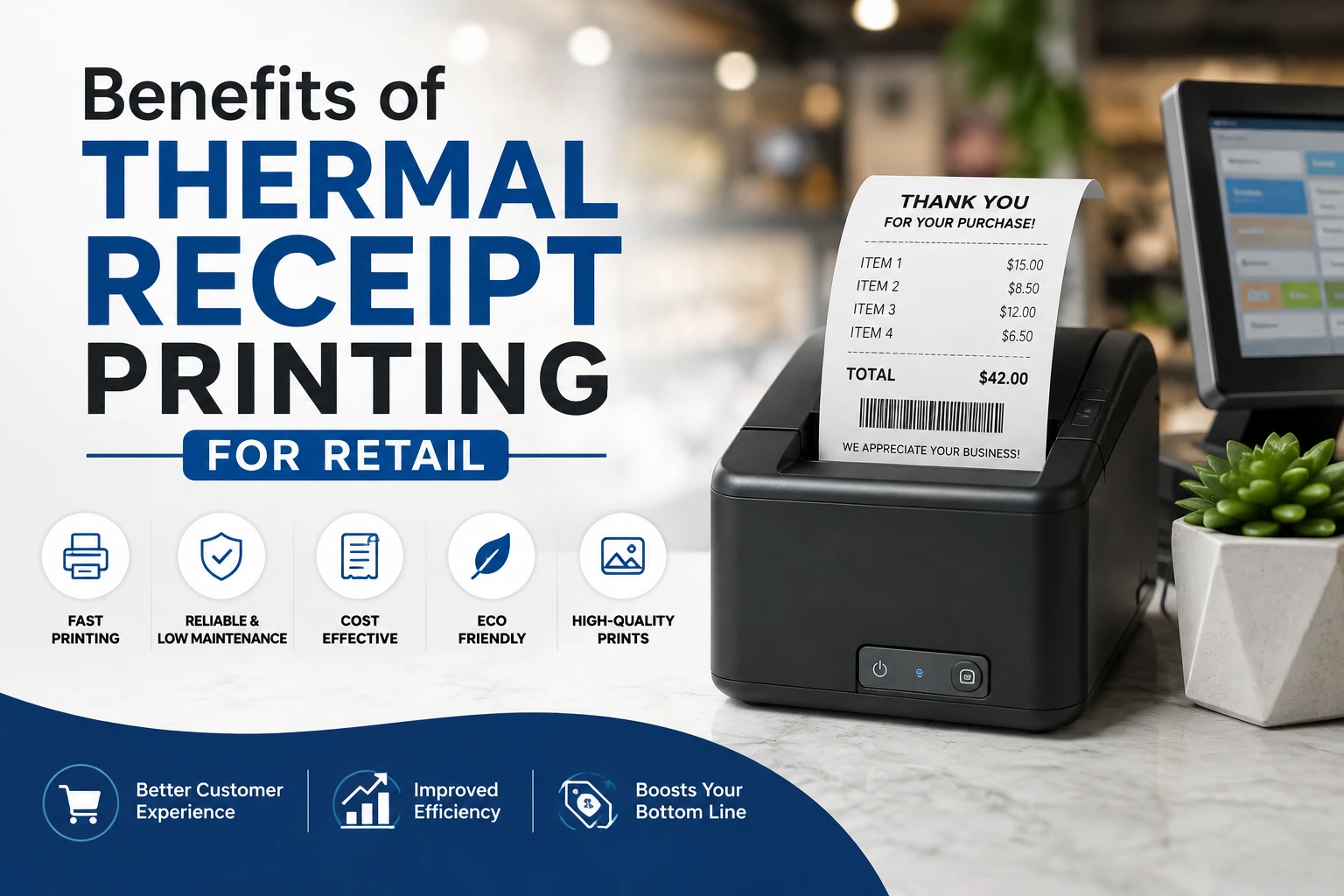
Thermal receipt printing has become a popular choice for retail businesses of all sizes. From supermarkets and convenience stores to boutiques, pharmacies, restaurants, and small shops, many businesses use thermal printers to produce fast and professional receipts.
Unlike traditional printers, thermal receipt printers do not normally require ink cartridges or toner. Instead, they use heat to create an image on specially coated thermal paper.
But why are thermal receipt printers so widely used in retail?
Let’s discuss the benefits.
Benefits of Thermal Receipt Printing for Retail
1. Fast Receipt Printing
One of the biggest benefits of thermal receipt printing for retail is speed.
Retail stores can serve many customers during busy periods. Waiting several seconds for a receipt to print may not seem significant, but those seconds can add up when dozens or hundreds of transactions are processed.
Thermal printers are designed for rapid printing. A receipt can often be produced almost immediately after a transaction is completed.
This makes thermal printing particularly useful for:
- Supermarkets
- Grocery stores
- Convenience stores
- Clothing shops
- Pharmacies
- Hardware stores
- Restaurants
- Petrol stations
- Fast-food outlets
- Busy retail counters
Faster receipt printing can help reduce queues and improve the checkout experience.
2. No Ink or Toner Required
Traditional printers usually require ink cartridges or toner.
Thermal receipt printers generally do not.
Direct thermal printers use heat-sensitive paper instead of liquid ink or toner. This eliminates the need to regularly purchase and replace ink cartridges.
For retailers processing large numbers of transactions, this can be a major advantage.
Businesses can focus on maintaining an adequate supply of receipt paper rather than worrying about running out of ink during a busy business day.
3. Lower Printing Maintenance
Thermal printers typically have fewer consumable components than traditional inkjet printers.
There are no ink cartridges to replace in a direct thermal printer. This can make routine maintenance easier for retail businesses.
A properly maintained thermal receipt printer may require little more than:
- Cleaning the print head
- Removing paper dust
- Replacing the paper roll
- Checking cables and connections
- Keeping the printer free from debris
Less maintenance can save employees time and reduce interruptions at the checkout counter.
4. Compact Design Saves Counter Space
Retail checkout counters can quickly become crowded.
A POS terminal, cash drawer, barcode scanner, card machine, monitor, and other equipment may already occupy significant space.
Thermal receipt printers are generally compact, making them suitable for small checkout areas.
This is especially helpful for:
- Small shops
- Kiosks
- Mobile businesses
- Market stalls
- Cafés
- Small pharmacies
- Service counters
A compact printer can be positioned next to the POS system without taking up excessive counter space.
5. Reliable Performance in Busy Retail Environments
Retail businesses need equipment that can handle repeated transactions.
Thermal receipt printers are designed for point-of-sale environments where receipts may need to be printed continuously throughout the day.
A busy retail store may print hundreds or even thousands of receipts depending on its transaction volume.
A suitable commercial thermal printer can help businesses maintain a consistent checkout process without constantly changing ink cartridges or dealing with common inkjet printing problems.
6. Clear and Easy-to-Read Receipts
Thermal printing can produce sharp text and graphics when the printer and paper are properly matched.
This is important because receipts need to communicate transaction information clearly.
A good thermal receipt can make details such as the following easy to read:
- Item names
- Prices
- Quantities
- Discounts
- Taxes
- Total amounts
- Receipt numbers
- Store information
- Barcodes
- QR codes
Clear receipts can also make returns, exchanges, warranty claims, and accounting easier.
7. Professional Appearance
A receipt is more than proof of purchase. It is also a small representation of a business.
A well-designed receipt can include the company’s:
- Logo
- Business name
- Physical address
- Phone number
- Email address
- Website
- Social media information
- Customer service message
- Return policy
Thermal receipt printing makes it easy for retailers to produce consistent receipts with a professional appearance.
For small businesses, this can help create a more organized and trustworthy impression.
8. Works Well With POS Systems
Modern retail operations commonly rely on POS software to manage sales and inventory.
Thermal receipt printers are widely used with POS systems and can receive transaction information directly from the software.
For example, when a cashier completes a transaction, the POS system can automatically send the receipt information to the thermal printer.
The printer then produces the receipt without requiring the employee to manually enter the information again.
This automation helps reduce repetitive work and can minimize printing errors.
9. Supports Barcodes and QR Codes
Modern receipts can contain more than simple text.
Retailers can use thermal printers to print barcodes and QR codes, depending on the printer’s capabilities and the POS software.
A QR code on a receipt could be used for purposes such as:
- Customer feedback
- Loyalty programs
- Digital receipts
- Promotions
- Online payment information
- Business websites
- Product information
Barcodes can also help retailers connect printed receipts and transaction information with their internal systems.
10. Suitable for Different Retail Businesses
Thermal receipt printing is not limited to supermarkets.
It can be used across many industries and retail environments.
11. Quick Paper Replacement
Thermal receipt printers normally use rolls of paper rather than individual sheets.
When the paper runs out, the operator can open the printer, insert a new roll, and continue printing.
The process is generally straightforward and does not involve changing cartridges.
Many modern thermal printers also provide a warning when the paper is running low, helping staff replace the roll before it completely runs out.
12. Less Noise During Printing
Thermal printers generally operate more quietly than many traditional impact printers.
This can be beneficial in retail environments where customers and employees are working close to the checkout.
A quieter checkout area can create a more comfortable environment, particularly in smaller shops.
13. Energy-Efficient Operation
Thermal printers do not need to heat ink or operate an inkjet cartridge system.
Their primary printing mechanism is the thermal print head, which heats small areas of the paper when producing the image.
Although the exact energy consumption depends on the printer model and usage, thermal receipt printers are generally designed for efficient point-of-sale operation.
Businesses should always check the manufacturer’s specifications when energy consumption is an important consideration.
14. Easy Integration With Retail Workflows
A good receipt printing system should fit naturally into the retailer’s existing workflow.
Thermal printers can be connected using different interfaces depending on the model, including USB, Ethernet, Bluetooth, or other supported connections.
Some models are designed for traditional desktop POS systems, while others support mobile or wireless environments.
Before purchasing a printer, retailers should confirm that it is compatible with their POS software and operating system.
15. Reduced Ink-Related Problems
Ink-based printers can experience problems such as:
- Empty cartridges
- Dried ink
- Clogged print heads
- Smudged printing
- Uneven colors
Direct thermal printers avoid many of these problems because they do not use liquid ink.
This can be particularly useful in businesses where the receipt printer must remain ready for use throughout the day.
16. Cost Savings for High-Volume Retailers
The total cost of receipt printing depends on several factors, including printer price, paper costs, maintenance, transaction volume, and equipment lifespan.
For high-volume retailers, eliminating ink or toner purchases can make thermal printing economically attractive.
The real savings become more noticeable when a business prints a large number of receipts every day.
17. Supports Different Receipt Designs
Thermal receipt printers can produce different receipt layouts depending on the POS software.
A retailer can create a receipt that includes the information most relevant to its customers and business operations.
18. Useful for Digital and Printed Receipt Strategies
Retail businesses are increasingly using both printed and digital receipts.
A thermal printer can continue providing a physical receipt while the POS system can also offer customers a digital version.
For example, a printed receipt could contain a QR code that directs customers to a digital receipt, loyalty program, feedback form, or online store.
This gives retailers greater flexibility while allowing customers to choose their preferred format.
19. Helps Improve Checkout Efficiency
The checkout process involves several steps:
- Scan or enter products.
- Calculate the transaction.
- Receive payment.
- Record the transaction.
- Print or send the receipt.
- Serve the next customer.
A fast thermal receipt printer can help make the final stages of this process quicker.
When combined with a barcode scanner, POS system, cash drawer, and payment terminal, thermal printing becomes part of an efficient retail checkout system.
20. Thermal Receipt Printing Is Easy to Learn
Retail businesses often have employees working different shifts.
Equipment that is simple to operate can reduce training requirements.
Most thermal receipt printers have a straightforward paper-loading mechanism. Employees generally need to know how to:
- Load the paper roll
- Open and close the printer
- Clear simple paper jams
- Replace an empty roll
- Check printer connections
- Perform basic cleaning
More advanced troubleshooting should be handled according to the manufacturer’s instructions or by a qualified technician.
Frequently Asked Questions
What is the main benefit of thermal receipt printing?
The main benefits include fast printing, low maintenance, no ink cartridges for direct thermal printing, compact hardware, and reliable operation in busy retail environments.
How long do thermal receipts last?
The lifespan varies depending on paper quality and storage conditions. Heat, sunlight, friction, and chemicals can cause thermal printing to fade or change.
Are thermal printers good for retail businesses?
Yes. Thermal printers are particularly well suited to retail because they are fast, compact, easy to maintain, and designed for point-of-sale environments.
Related Articles
What Kind of Paper is Used for Receipts?