
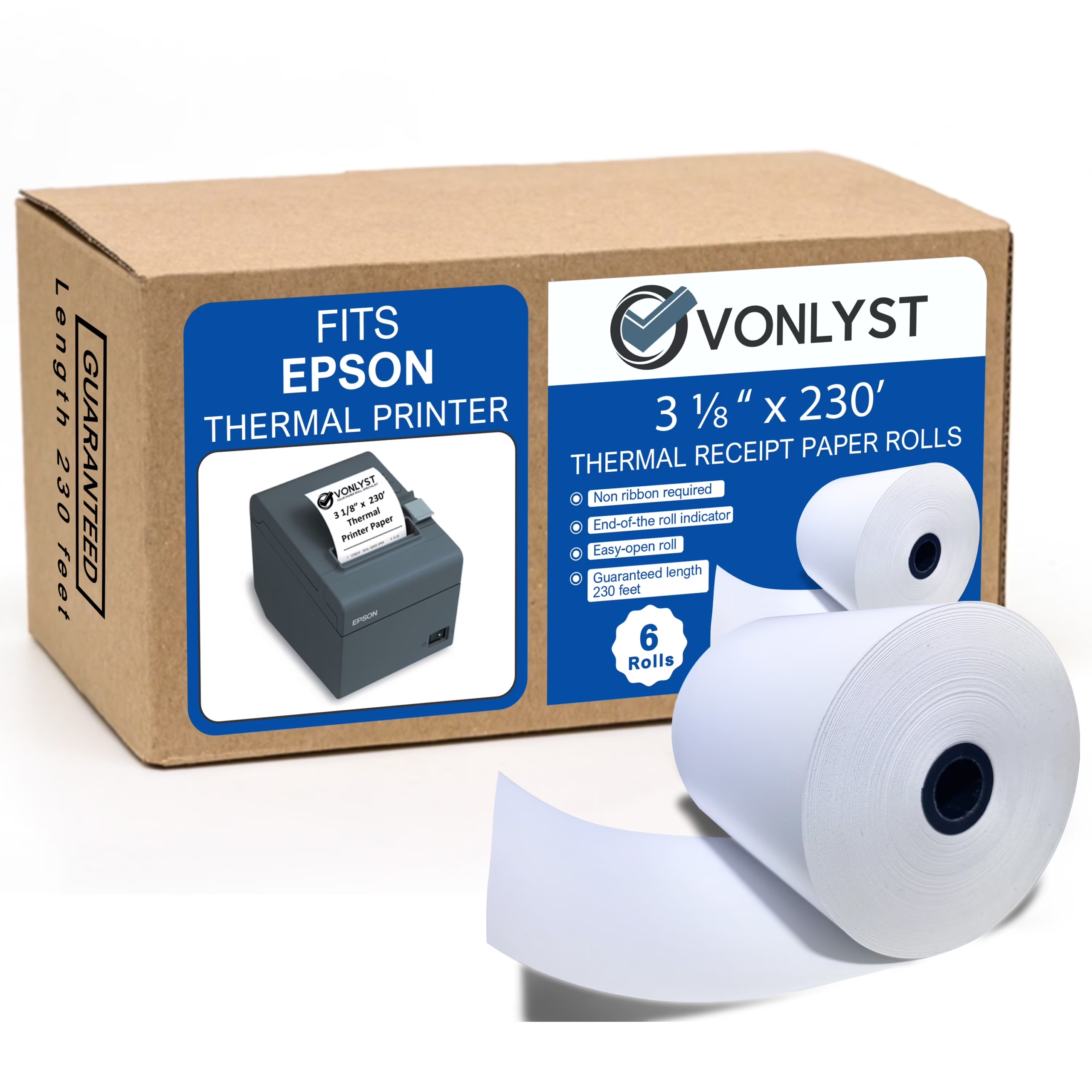
Most Epson receipt printers use 3 1/8 inch (80mm) wide thermal paper. Compact and mobile Epson models, like the TM-P20 series, use a narrower 2 1/4 inch (58mm) roll instead. The exact size always depends on your specific printer model, so check yours before you buy paper.
Standard Epson Receipt Printer Paper Sizes
Epson makes two main paper widths across its receipt printer lineup. Knowing which one your printer takes prevents jams, wasted paper, and returned orders.
3 1/8″ (80mm) width is the most common size. It fits Epson’s best-selling counter models, including the TM-T88 series, TM-T20 series, and TM-T70 series.
2 1/4″ (58mm) width is used on smaller and mobile printers. This includes the TM-P20, TM-P60, and TM-P80 lines, plus some older compact models.
Roll length varies too. Standard rolls run 150 to 230 feet, while extended rolls go up to 273 feet for less frequent changes. Core diameter is typically 7/16 inch (11mm), and paper thickness is usually 0.05mm to 0.08mm (roughly 48-55gsm).
Epson Paper Size by Printer Model
| Epson Model Series | Paper Width | Common Use |
|---|---|---|
| TM-T88 (I through VII) | 3 1/8″ (80mm) | Retail, restaurant POS counters |
| TM-T20 / TM-T20II / TM-T20III | 3 1/8″ (80mm), some support 2″ (58mm) | Small business POS |
| TM-T70 / TM-T82 | 3 1/8″ (80mm) | Retail POS |
| TM-m30 / TM-m30II | 3 1/8″ (80mm) | Compact countertop POS |
| TM-U220 (dot matrix) | 2 1/4″ (58mm) or 3″ (76mm) impact paper | Kitchen printers, two-part receipts |
| TM-P20 / TM-P20II | 2 1/4″ (58mm) | Mobile/handheld printing |
| TM-P60 / TM-P80 | 2″ (58mm) or 3″ (80mm), model-dependent | Mobile/handheld printing |
If your model isn’t listed here, check the label inside the paper compartment or your printer’s spec sheet. Epson prints the supported paper width directly on most units.
How to Choose the Right Paper Size for Your Epson Printer
Buying the wrong width is the most common paper mistake. Here’s how to get it right the first time.
Check the printer, not just the box it came in. Open the paper cover and measure the paper guide width, or look for a width label molded into the plastic near the roll holder.
Match the roll diameter to your compartment. A correct-width roll that’s too thick to fit the compartment will still jam. Most Epson counter printers accept rolls up to 3.15 inches (80mm) in diameter.
Consider BPA-free paper if required. Many states and retailers now require BPA-free or phenol-free thermal paper. This doesn’t affect sizing, but it’s worth checking before you buy in bulk.
Buy from a listing that names your exact model. Paper labeled “for Epson TM-T88V” or “for Epson TM-P20” removes the guesswork entirely.
FAQs
What is the size of the paper used in an Epson receipt printer?
Most Epson receipt printers use 3 1/8 inch (80mm) wide thermal paper, which is the standard for counter models like the TM-T88 and TM-T20 series. Smaller and mobile Epson printers, such as the TM-P20, use a narrower 2 1/4 inch (58mm) roll instead. Always confirm your exact model’s spec sheet, since a few printers support both widths.
Can a normal printer print on receipt paper?
No, a standard inkjet or laser printer cannot print on thermal receipt paper the way a receipt printer does. Thermal receipt paper is coated with heat-sensitive chemicals that darken when touched by a heated print head, and regular printers don’t have this component. You can feed receipt-width paper through a regular printer only if it’s plain (non-thermal) paper cut to size, but it won’t produce the same fast, low-noise output as a dedicated thermal printer.
What paper size is used for receipts?
The two industry-standard receipt paper widths are 3 1/8 inches (80mm) and 2 1/4 inches (58mm). The 3 1/8″ size dominates retail, restaurant, and grocery point-of-sale systems, while 2 1/4″ is common on mobile card readers, small kiosks, and compact kitchen printers. Roll length typically ranges from 150 to 230 feet, though this doesn’t affect compatibility, only how often you’ll swap rolls.
How to load receipt paper in Epson?
- Turn off or pause the printer, then locate the paper cover release lever, usually on the top or front.
- Lift the cover to expose the empty roll holder, and remove any spent roll core.
- Insert the new roll with the paper feeding from underneath, so it unrolls toward the front of the printer.
- Pull a few inches of paper past the tear bar and close the cover firmly until it clicks.
- Press the feed button to confirm the paper advances smoothly, then tear off the excess.
If the printer shows a paper error after loading, double-check the roll is inserted in the correct direction. Most Epson models will not feed paper that’s loaded backward.