
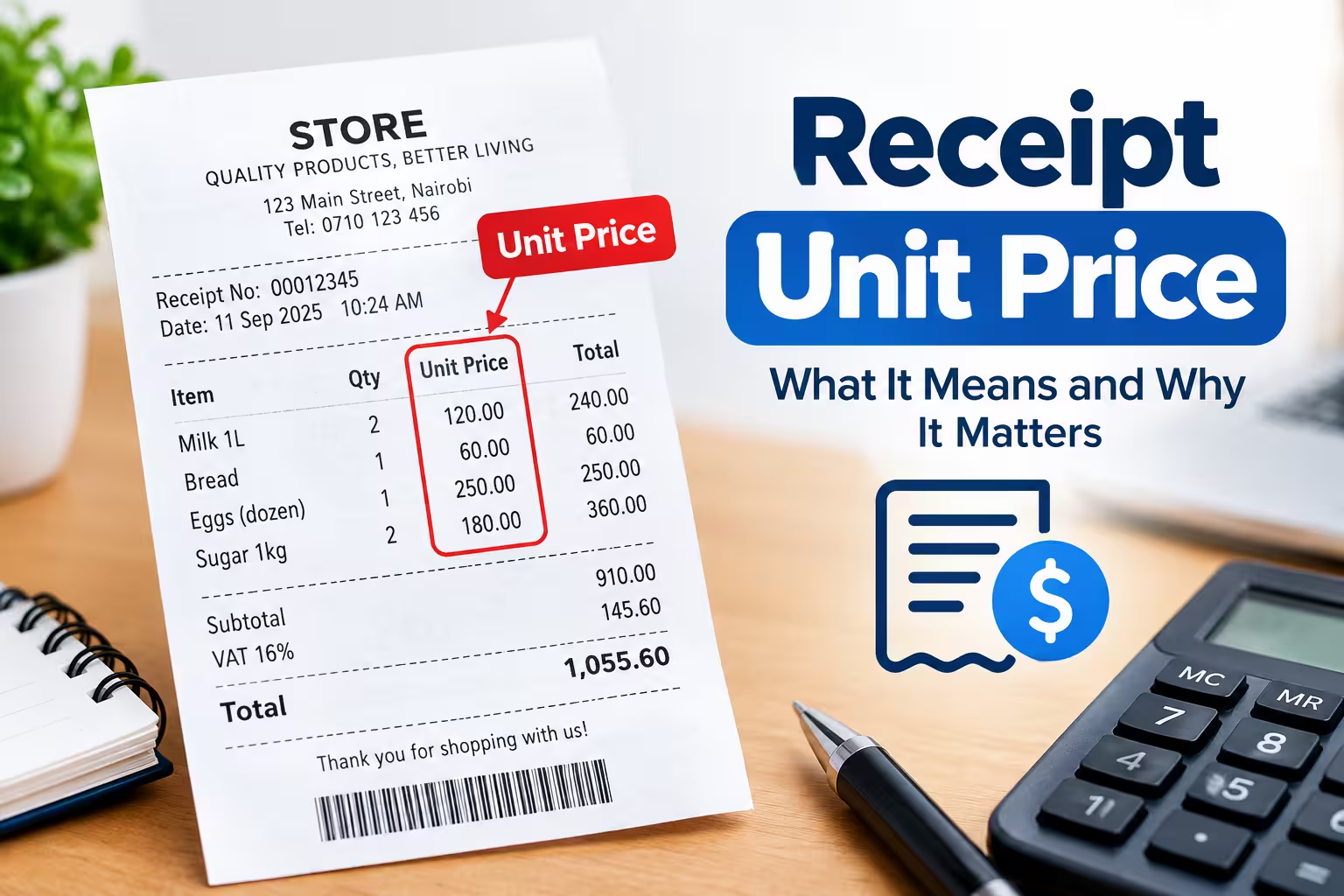
What is unit price on a receipt?
The unit price on a receipt is the cost of one single item or one measured unit of a product, like one pound, one ounce, or one piece, before any quantity multiplication or tax is applied. It’s different from the “total price” or “extended price,” which is the unit price multiplied by how many units you bought.
For example, if a receipt shows apples at “$0.99/lb” and you bought 3 lbs, the unit price is $0.99, and the extended price is $2.97. Understanding this distinction is the fastest way to catch pricing mistakes before you leave the store.
Why unit price matters
Unit price is the number that lets you compare value across different package sizes and brands. A store might sell a 12-oz bag of coffee for $8.99 and a 32-oz bag for $19.99 — the unit price (cost per ounce) tells you which one is actually the better deal, regardless of the sticker price.
Retailers are required in many U.S. states to display unit pricing on shelf tags for exactly this reason: it protects consumers from being misled by package size. Your receipt often mirrors that same per-unit figure, so you can double-check what you were actually charged against what was advertised on the shelf.
Receipt unit price format
Unit price typically appears on a receipt in one of these formats, depending on the retailer’s point-of-sale system:
- Quantity @ Unit Price — e.g.,
3 @ $0.99 = $2.97(three units at 99 cents each) - Weight-based format — e.g.,
1.25 lb @ $3.99/lb = $4.99(common for produce, meat, and deli items) - Per-unit abbreviation — e.g.,
$0.99/EA(each),$0.25/OZ(ounce),$4.50/LB(pound) - Simple line-item format — some receipts just list the unit price directly under or beside the item name, with the total price in a separate column
Grocery and big-box retailers most often use the “@” symbol to separate unit price from quantity. Convenience stores and small retailers sometimes skip the unit price line entirely and only show the total, especially for single-item purchases where the unit price and total price are the same number.
How to calculate unit price yourself
If your receipt doesn’t show a unit price, you can calculate it in one step:
Unit Price = Total Price ÷ Quantity (or Weight)
For example, if a receipt shows a charge of $6.50 for a bag of rice weighing 5 lbs, divide $6.50 by 5 to get a unit price of $1.30 per pound.
Common unit price errors to watch for
Unit price mismatches are one of the most common reasons receipts don’t match shelf tags. Here’s what to check:
- Sale price not applied — the receipt shows the regular unit price instead of the advertised sale unit price.
- Wrong weight captured — for items priced by weight, a scale error or barcode mismatch can charge you for the wrong weight.
- Unit mismatch — you’re charged per ounce when the shelf tag advertised per pound (or vice versa), which can significantly change the total.
- Multi-buy pricing not triggered — deals like “2 for $5” sometimes fail to apply if you didn’t buy the exact required quantity, so each unit rings up at full price instead.
If you spot a discrepancy, the unit price line on your receipt is your evidence — bring it to customer service along with the shelf tag price (a photo works fine) for a fast refund or adjustment.
Create professional receipts in seconds with Receipt Generator Pro.