
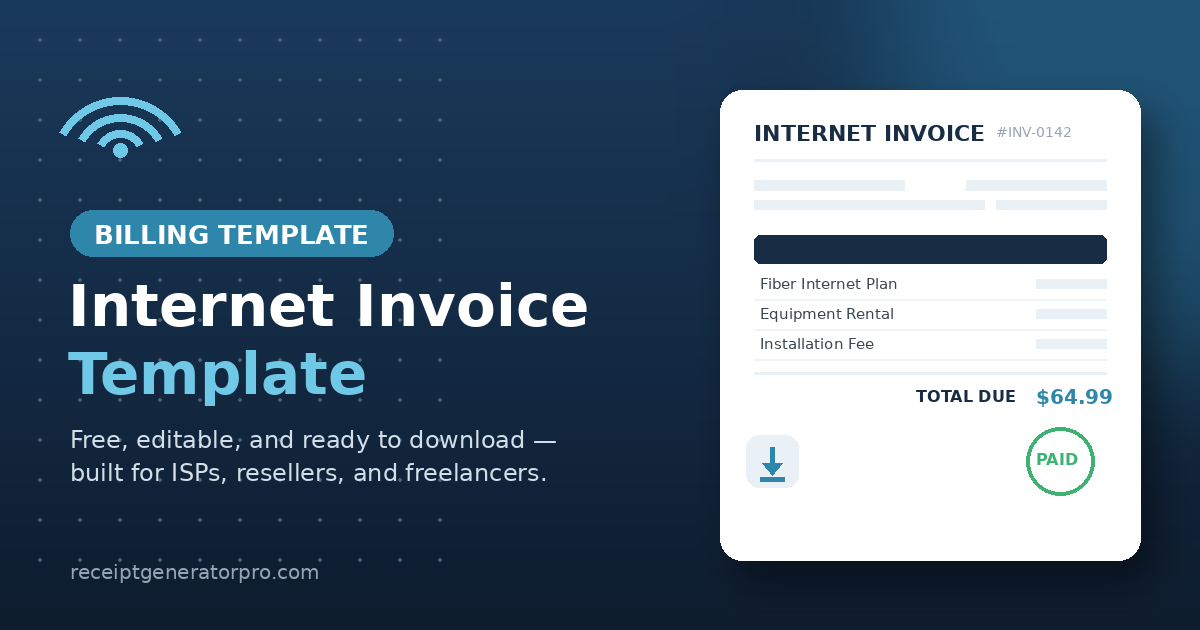
An internet invoice template is a pre-formatted billing document that lists a customer’s internet service charges, billing period, and total due. It saves internet service providers, resellers, and freelance IT techs from rebuilding an invoice from scratch every billing cycle.
Below you’ll find a free, editable internet invoice Word template plus a breakdown of every field it needs to look professional and get you paid faster.
Download Free Internet Invoice Template
The template below is a Microsoft Word (.docx) file, so you can open it in Word, Google Docs, or LibreOffice and edit it immediately — no software purchase required.
It includes placeholder fields for your business name, customer details, service plan, line items, taxes, and total due. Just replace the bracketed text with your own information and save it as a new file for each billing cycle.
If you’d rather generate and customize invoices online without downloading software, Receipt Generator Pro publishes hundreds of free, ready-to-edit invoice templates at receiptgeneratorpro.com.
What Is Included in an Internet Invoice Template
A proper internet invoice needs specific fields to be legally sound and easy for a customer to pay. According to invoicing guidance from Xero, a compliant invoice needs 10 core elements: business and client details, a unique invoice number, dates, itemized charges, payment terms, tax information, total due, accepted payment methods, and notes.
Applied specifically to internet billing, here’s what each section should contain:
Provider information. Your ISP or business name, mailing address, phone number, billing email, and tax ID. This is who the customer contacts if they have a billing question.
Customer and service address. The billing contact’s name and address, plus the physical service address if it’s different (common for rental properties or multi-location businesses).
Invoice number and dates. A unique, sequential invoice number, the issue date, and the due date. Sequential numbering makes disputes and bookkeeping far easier to track.
Billing period. The exact start and end dates the invoice covers. Billing platforms that skip this field see more payment delays, because customers can’t verify what they’re being charged for without it.
Itemized charges. List the internet plan, equipment rental (modem/router), installation fees, add-ons, and any late fees as separate line items rather than one lump sum. Mixing a flat subscription fee with variable usage charges in a single line is a common mistake that slows down approval, since the customer can’t validate the variable portion.
Taxes and regulatory fees. Internet service is often subject to state and local taxes or FCC-mandated regulatory recovery fees — show these separately from the service charge, not baked into the subtotal.
Total due and payment methods. A clear total, plus how to pay (online portal, autopay, mailed check, or phone). The easier you make payment, the faster you get paid.
Payment terms and late fee policy. State the due date terms (e.g., “due on receipt” or “Net 15”) and any late fee percentage, so there’s no ambiguity if a payment is missed.
Keeping organized invoice records also matters beyond getting paid — the IRS recommends that small businesses retain daily transaction records, including invoices, to support income reported on tax returns.The IRS expects businesses to maintain records that support income and expenses, including supporting documents generated by business transactions afternoon
Summary
An internet invoice template only needs to do two things well: state exactly what the customer is being billed for, and make it obvious how and when to pay. Cover the 10 core fields — provider info, customer info, invoice number, dates, billing period, itemized charges, taxes, total due, payment methods, and terms — and the invoice will hold up for both customer disputes and tax recordkeeping.
Download the free Word template above, swap in your business details, and reuse it every billing cycle.
FAQs
How can I create an invoice online for free?
Use a free web-based invoice generator or a spreadsheet template — Google Sheets, for instance, supports free invoice add-ons that let you fill in a form and export a PDF with no subscription required.Free invoicing inside Google Sheets requires no account, no subscription, and no invoice limits — check a box for a PDF invoice and send it with Gmail Alternatively, download an editable Word or Excel template (like the one above), fill in your details, and export it as a PDF before sending it to your customer. google
Where can I download a free invoice template?
You can download the Word template in this article directly, or browse a larger library for other formats and use cases. At Receipt Generator Pro, we’ve published hundreds of free invoice templates you can download and customize at receiptgeneratorpro.com.
Does Google have a free invoice generator?
Google doesn’t have a standalone, native invoice generator product, but it does support invoicing through free add-ons built for Google Sheets and Google Docs. These add-ons turn a spreadsheet into a fillable invoice form and export a finished PDF, which covers most small businesses’ needs without a paid subscription.
Can ChatGPT create invoices?
ChatGPT can draft the text and layout of an invoice — line items, totals, and terms — but it can’t generate a downloadable, properly formatted file like Word or PDF on its own; you’d still need to paste the content into a document or spreadsheet. For a ready-to-use file, a pre-built template (like the one in this article) or a dedicated invoice generator is faster and more reliable.