
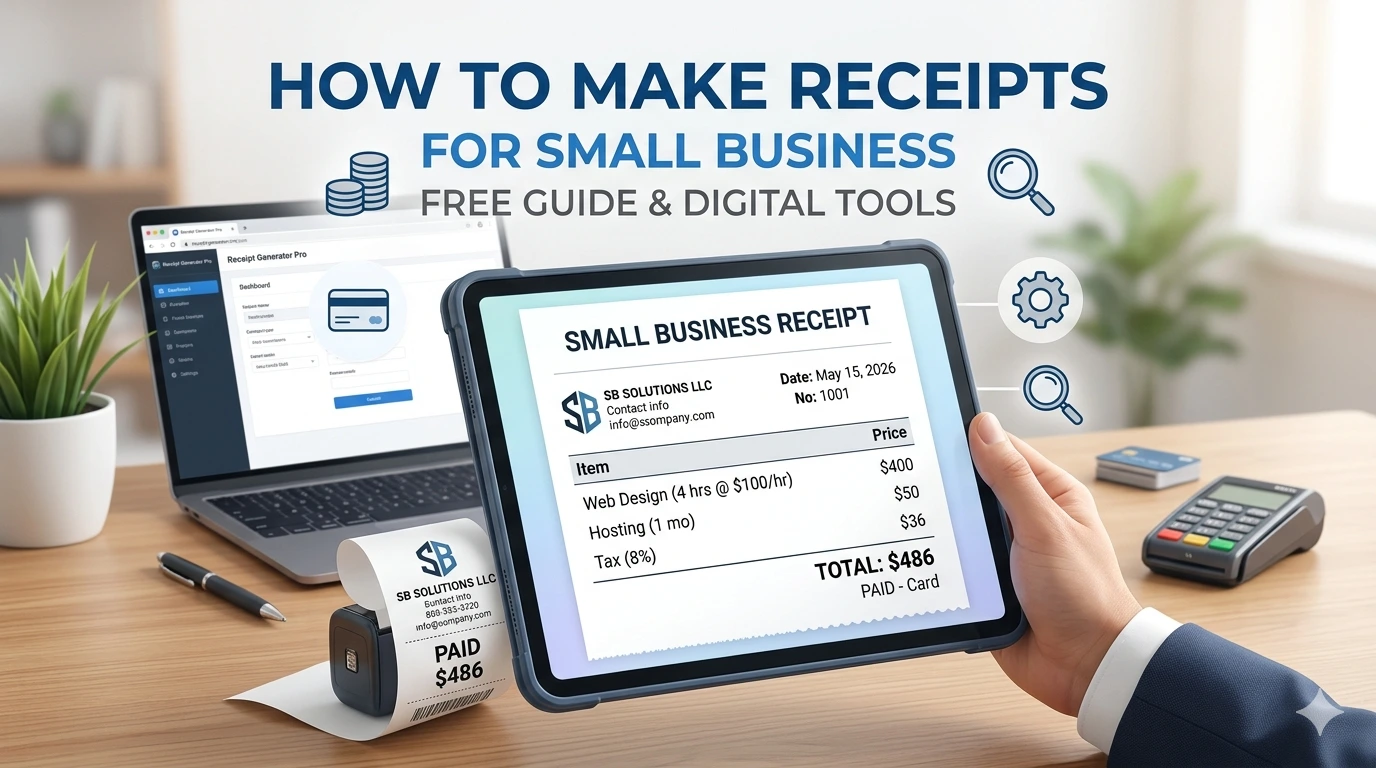
Every time money changes hands, learning how to make receipts for small business transactions becomes your top operational priority. The clock starts ticking immediately: customers need instant proof of purchase, your accountant needs a clear audit trail, and you need to protect your hard-earned revenue.
Writing a receipt shouldn’t be a tedious manual task that slows down your operations. This guide breaks down exactly how to make professional receipts for your small business quickly, legally, and at zero cost.
Also See: Best Free Receipt App for Business
What Must Be on a Small Business Receipt?
A receipt is a legal record confirming that a transaction is complete. To ensure your receipts protect you during tax season and maintain an authoritative look for your clients, every single document you issue must include these 7 mandatory fields:
- Your Business Information: Full legal business name, physical address, phone number, and support email.
- Transaction Timestamp: The exact calendar date and time the payment was finalized.
- Unique Sequential Receipt Number: A dedicated tracking digit (e.g., #1001, #1002) to maintain a chronological bookkeeping trail.
- Itemized Inventory Line: A clear breakdown of the individual items or services rendered, quantities sold, and unit prices.
- Financial Math Breakdown: The subtotal before fees, exact local sales tax applied, specific discounts given, and the definitive total amount paid.
- Payment Method Classification: Explicitly specify whether payment was made via Cash, Bank Card, Check, or Mobile Transfer.
- Return or Refund Policy Summary: A clear statement indicating if a sale is “Final Sale,” eligible for “Exchange Only,” or subject to a “30-Day Return Window.”
Main Methods to Create Receipts for Your Small Business
Depending on your transaction volume and technical preferences, small businesses typically rely on three primary processing pathways:
Method A: Use an Online Receipt Generator (Fastest & Most Reliable)
For speed and professional results, an specialized web-based tool is your best option. Using an engine like Receipt Generator Pro allows you to input transaction variables directly into a predefined layout and instantly produce a polished, unbranded PDF. This eliminates layout formatting work entirely and automates calculations like sales tax.
Method B: Use Native Text Editors (Word or Google Docs)
You can choose to manually format a layout within word processing platforms. While this is helpful for generating low-volume, highly customized corporate receipts, it lacks database persistence, meaning you have to overwrite or copy past files manually every single time you make a sale.
Method C: Deploy a Manual Hand-Written Receipt Book
Traditional physical carbon-copy receipt books are often used by field contractors or mobile pop-up merchants. While functional for immediate face-to-face handoffs, physical logs are highly prone to fading, easily lost, and require manual data re-entry into your ledger later.
Step-by-Step: How to Make a Receipt for a Small Business Online
Follow this workflow to generate uniform, error-free client documentation every time:
Step 1: Select the Proper Blueprint
Do not use a generic template if your business falls into a specialized niche. Match your specific workflow to a purpose-built processing layout to ensure you capture the required structural data fields:
- Dealing with cash registers or immediate counter transactions? Deploy a sleek Thermal Receipt Generator.
- Managing residential or commercial property assets? Use a custom rent layout.
- Processing digital invoices or remote services? Use an unbranded Sales Receipt Generator or a highly identifiable QR Code Receipt Generator.
Step 2: Input Your Corporate Identity and Counterparty Data
Upload your business logo and fill in your primary company coordinates at the header. If you are handling large corporate clients, B2B billing, or high-value physical goods, you should also include the customer’s legal name and billing address in the “Received From” field to keep their accounting department happy.
Step 3: Itemize the Transaction Details
Enter each good sold or service performed as a distinct line item. Do not bundle services into vague descriptions like “Consulting Work.” Instead, break it down clearly: Strategic Evaluation - 4 Hours - $150/hr. Input the applicable tax rates and let the system process the mathematical totals.
Step 4: Export and Store Your File
Click Generate to review your document formatting on screen, then export your print-ready PDF file. Send a digital copy to your customer’s email immediately and back up the file to your secure internal cloud storage folder.
Industry-Specific Tool Directory
Using a receipt tailored to your business model saves time and looks much more professional to your clients. Choose the free tool that matches your industry below:
| If Your Business Is: | Use This Dedicated Free Tool: |
| Retail, Over-the-Counter, or In-Person Stores | Use the Thermal Receipt Generator or Barcode Receipt Generator for standard retail printing. |
| Automotive Shops & Logistics Providers | Choose the Auto Repair Receipt Template, Car Rental Receipt Generator, or Taxi Receipt Generator. |
| Hospitality & Food Services | Deploy the specialized [Restaurant Receipt Generator] or Hotel Receipt Generator] for dining and lodging. |
| Healthcare Practitioners & Clinics | Maintain clean clinical records using the Medical Receipt Generator or Pharmacy Receipt Generator. |
| Non-Profits & Philanthropic Groups | Print compliance logs easily with the Donation Receipt Generator. |
FAQs
How do I make a receipt for a small business online?
The easiest method is to go to a specialized platform like Receipt Generator Pro, select your industry layout, fill out the interactive data fields, and immediately render the receipt. The platform handles the spacing, design alignment, and financial math for you instantly.
How do I make a receipt for a small business PDF?
When using an online generator, the final file output is automatically formatted as an optimized PDF document. This format ensures your design and fonts look identical on any phone, laptop, or physical printer.
How do I make a receipt for a small business in Word?
Open Microsoft Word, navigate to File > New, search for “Receipt” in the template search bar, and select a layout. You will need to manually change the placeholder text and calculate your own tax subtotals using a calculator before saving.
How do I make a receipt for a small business for free?
You can use the free web tools on the Receipt Generator Pro home page. There is no software to install or payment required to build and download standard commercial receipts.
Pro Bookkeeping Tip: Tax authorities like the IRS require small businesses to keep accurate records of all revenue and transaction receipts for at least 3 to 7 years. Moving from paper receipts to automated digital PDFs keeps your business organized and protects you in the event of an audit.
Want to generate a professional sales receipt right now?